Lately I’ve been working on an AI side project that’s an assistant for sales executives. The aim of the project is to automate as much of the sales process as possible by adding AI into the mix. The catalyst behind this project is the observation that there are industries where sales happen over email. Sales executives can connect their inbox to the system, allowing it to handle much of the sales journey automatically while they focus on the more human aspect of the process like relationship building. I nicknamed the project as “Salesy” and this series of posts will walk you through how it is built and what it does. This introductory post outlines some of the features of the project.
Defining the Product
Salesy is a human-in-the-loop AI sales assistant that analyses every incoming email and intelligently guides the prospect through the sales journey. It is a system which automates the sales journey by reading the inbox of the sales executive and allows improving efficiency by handling much of the repetitive work like asking and answering common questions, guiding the prospect through the sales journey, and so on. There is a singular persona that it is designed for — the sales executive.
Defining the Goals
The following are the list of goals for Salesy.
- Improve the efficiency of the sales executive by drafting their emails.
- Improve the efficiency of the organization by moving prospects through the sales journey seamlessly.
- Improve the satisfaction of the prospect by providing them with relevant information when they need it.
The following are the KPIs to be tracked.
- The number of emails sent by Salesy.
- The number of steps the prospect has moved through and the time spent in each.
- The number of questions asked by the prospect to gather information.
- The number of questions asked by Salesy to gather requirements.
Constraints and Limitations
There is one major constraint in the system. Anything that happens outside the email thread cannot be captured. A couple of examples demonstrate this. Consider an industry where the prospect may request a sample to be sent before an order is placed. Dispatching the sample and awaiting its delivery happen outside the email thread. A similar constraint is encountered when the prospect requests a meeting, either virtual or in-person. Thus, the system can automate the sales journey only using information that’s present in the ongoing email thread. Any information captured outside the email would need to be added back to it. For example, by sending a follow-up email to capture what was discussed in the meeting.
Features
Connect Email
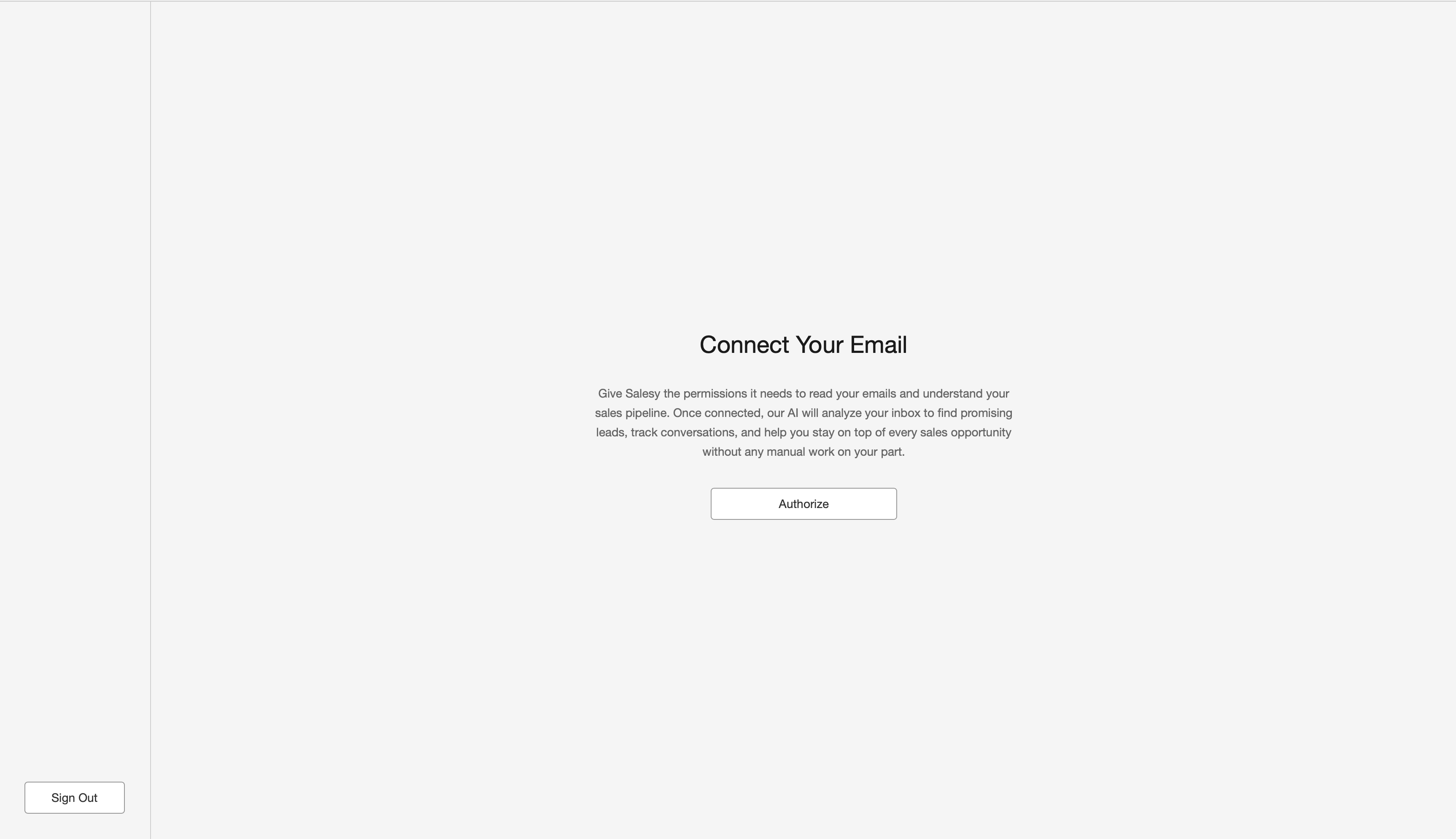
The first step in using Salesy is to connect the inbox with the system. For the case when the user uses Gmail, they’d have to perform OAuth authorization and give Salesy the permission to read their inbox. As shown in the screenshot above, the prompt tells the user why Salesy needs these permissions and the “Authorize” button begins the OAuth process.
Activity
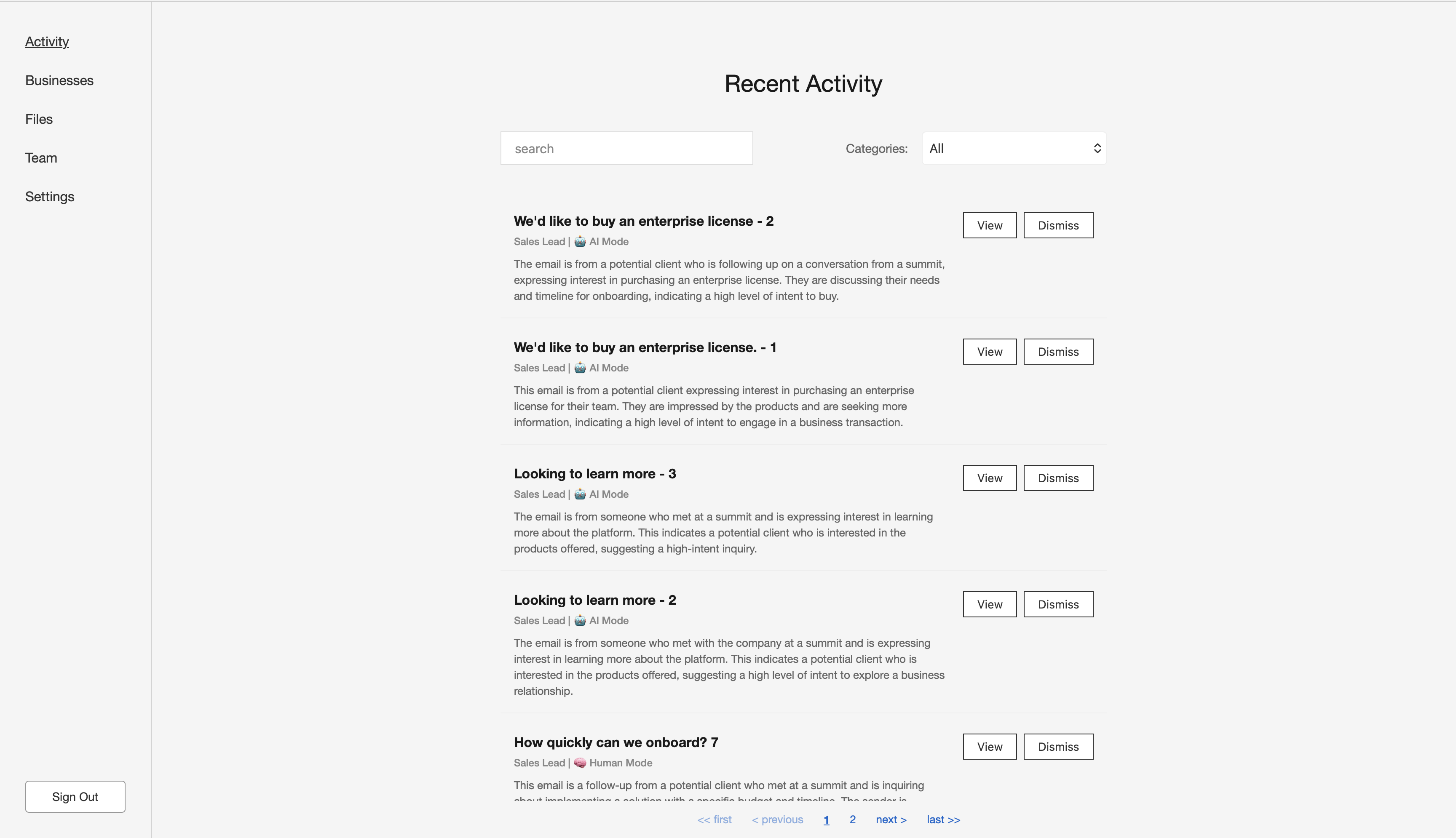
Once the inbox is connected, Salesy categorizes each incoming email. The “Activity” tab provides an overview of the emails that require the user’s attention. The screenshot above shows the ones that have been labelled “Sales Lead”. Each item in the list shows the title of the email, its label, whether it’s AI handling the conversation or the human since it’s a human-in-the-loop system, and a summary of the email. The user has the option to “View” the details of the action suggested by AI or to “Dismiss” it.
Businesses
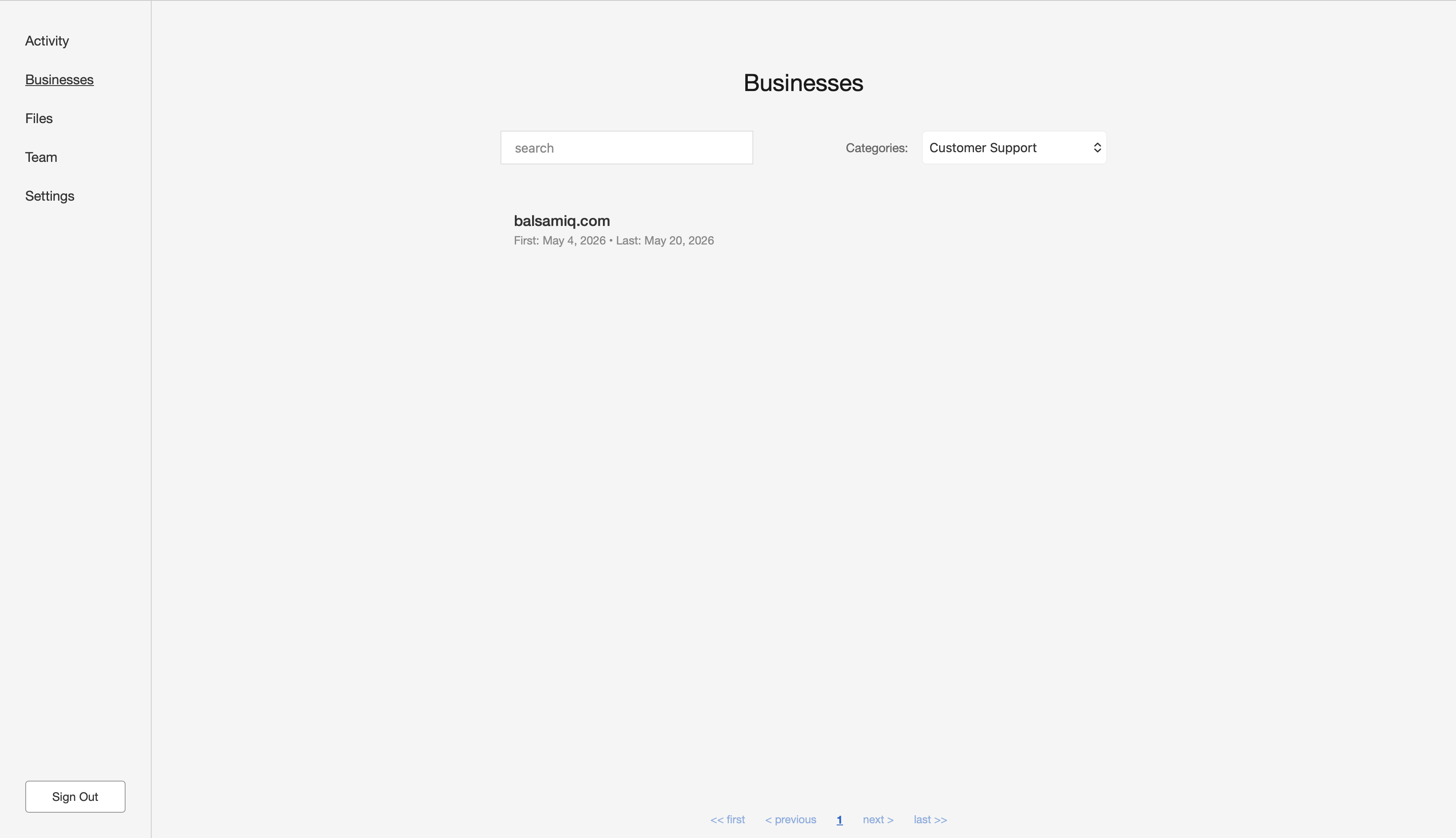
The “Businesses” tab provides a quick way for the user to find out which businesses they are in conversation with and why. That is, who’s interested in making a purchase or requesting after-sales support. Since Salesy is B2B, every business is identified by their domain. Clicking on the domain displays the conversations associated with that business. Additionally, the user is also shown the first and last dates of communication with that business.
Files
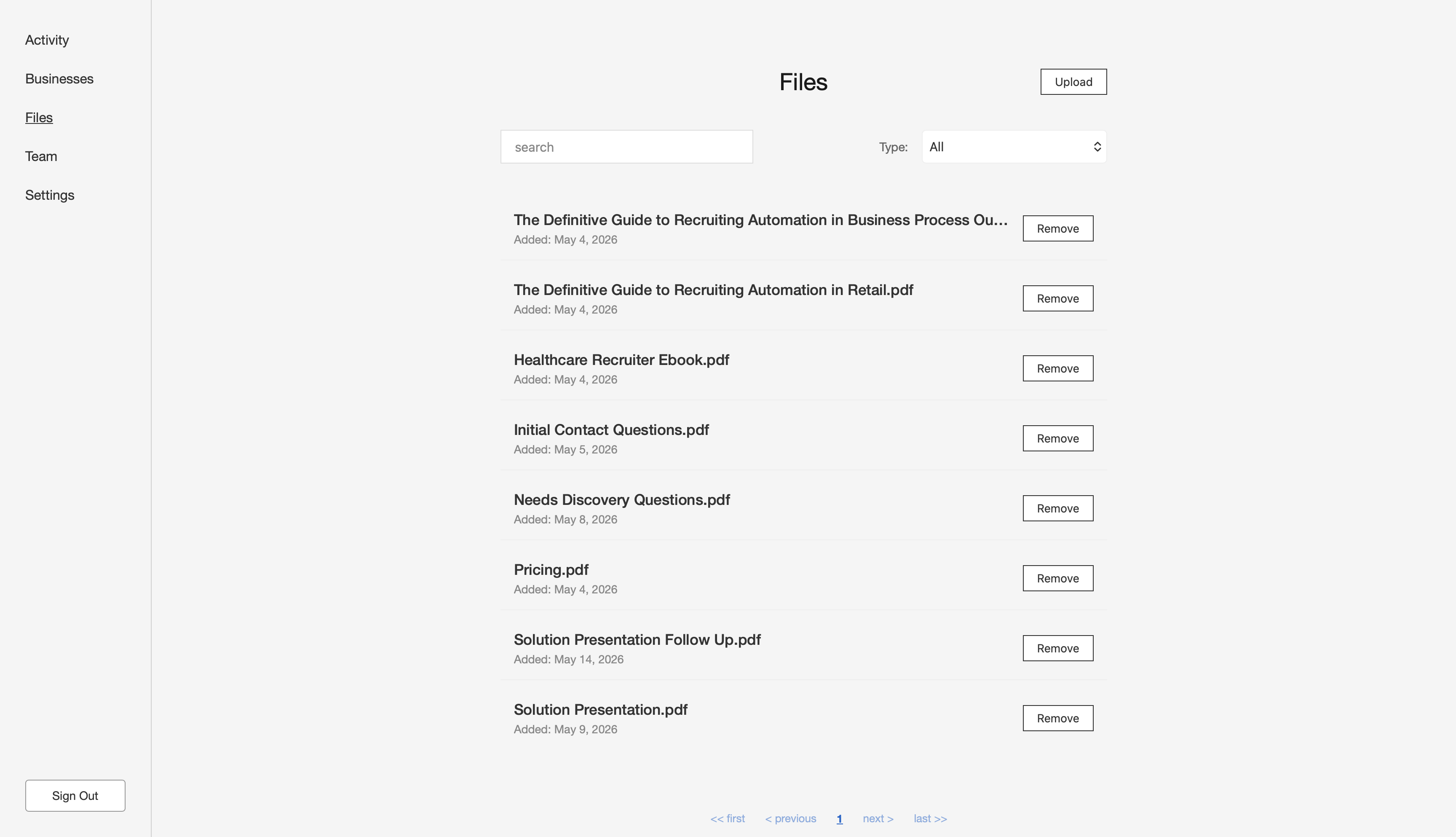
The “Files” tab allows the user to upload files. These are used by Salesy’s AI to construct response to emails. Files can be of different types. For example, you may have one file which contains all the questions the bot should ask to determine the requirements of the prospect and another which contains general information about the company. Some of these files are read in their entirety to construct a response where as others are read in parts as chunks.
Team
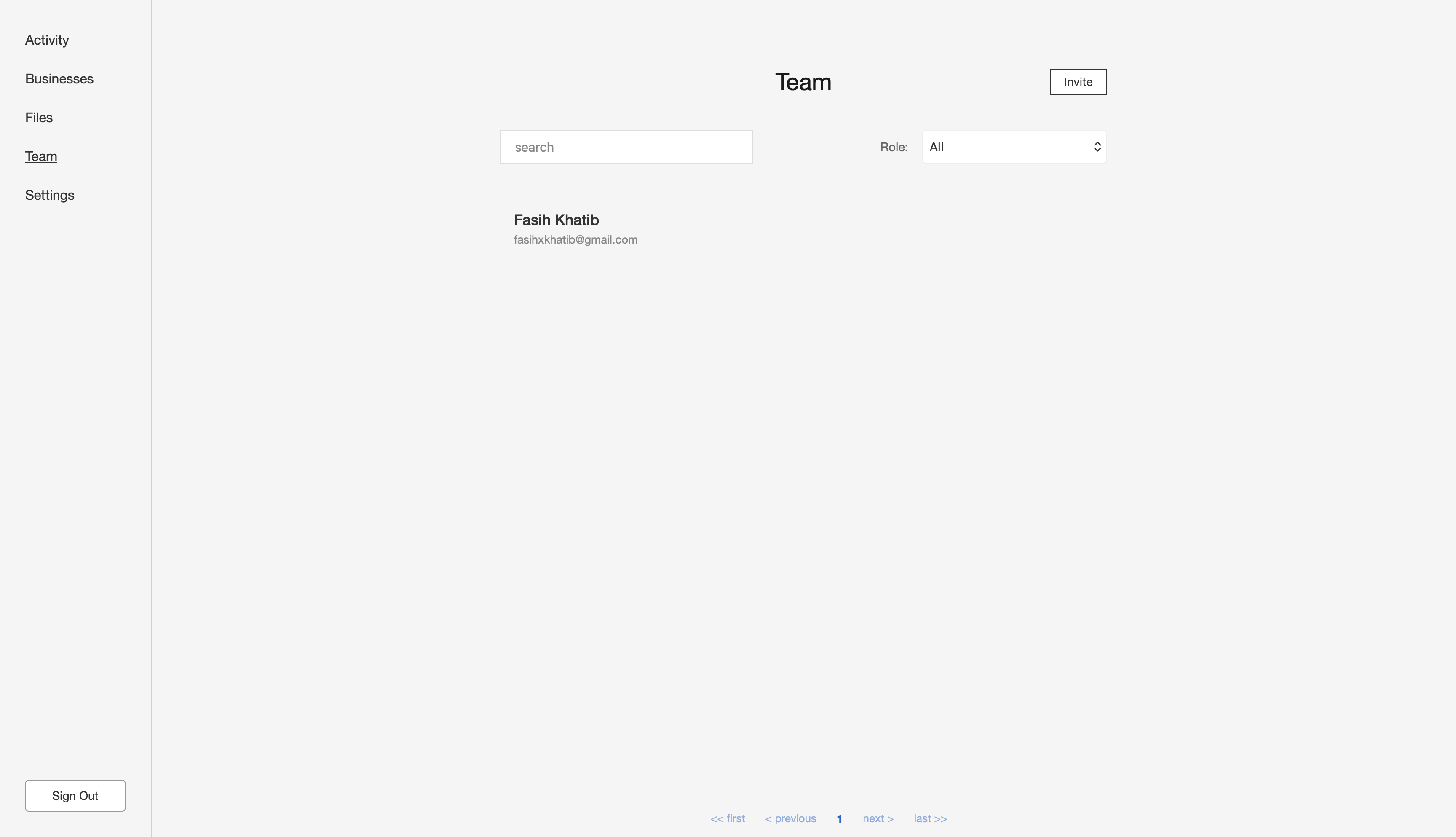
The “Team” tab allows inviting other people to Salesy.
Settings
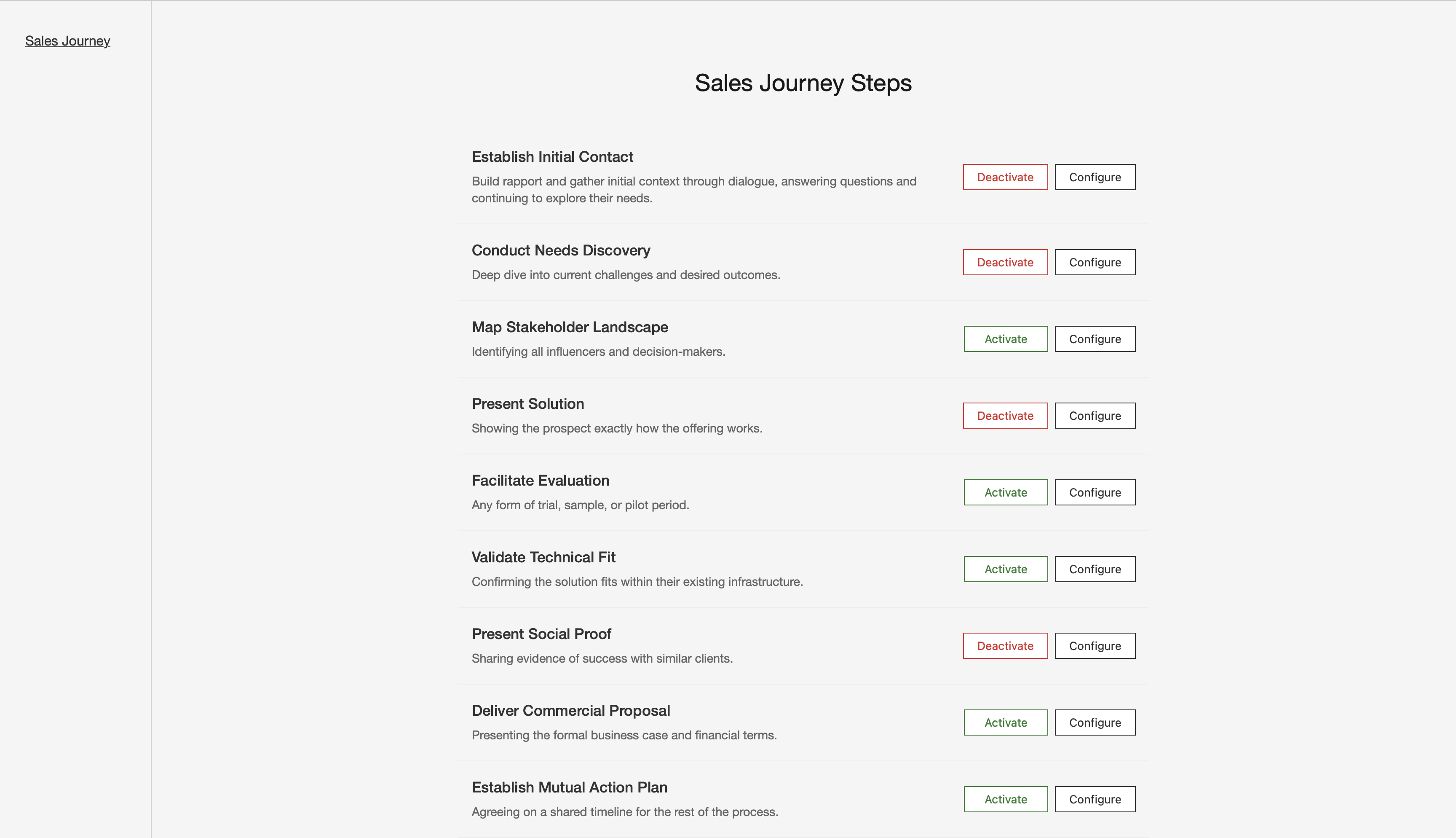
The “Settings” tab allows changing the settings in the system. For example, since different organizations have different sales journeys, the various steps the prospect goes through can be configured via the settings.
Conclusion
This was a brief overview of what Salesy can do. Starting with the next post, we will look at each of the features outlined above in more detail. Then, subsequent posts will look at the engineering behind the project.
Finito.